Features
What the app does
Everything on this page is in the app today. Guitalele first, guitar too.
01 Tune by ear and by eye
Play one open string and the meter swings left if the string is flat and right if it is sharp. A red centre line marks the target; the needle turns green when you are in tune.
The readout shows the note and string you are tuning, how many cents off you are, and a plain status such as TOO LOW · TUNE UP or IN TUNE.
A small level meter shows the microphone is hearing you.
02 Auto or manual string choice
AUTO (top right) listens and works out which string you played, so you can go round the strings in any order.
Turn AUTO off and tap a string button to lock onto that string if you want to tune one string only.
03 Built around A D G C E A
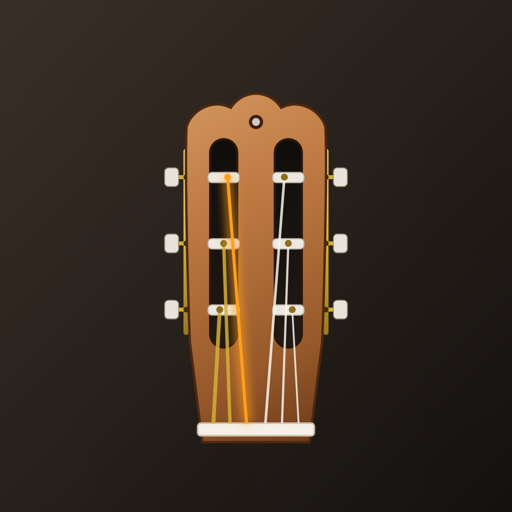
The app opens on guitalele tuning and the headstock drawing, the six string buttons and the target pitches all follow it.
Tap the tuning name to switch to standard guitar tuning (E A D G B E) if you play both.
04 Reference tones
Tap a string button to hear its target note. The meter draws the waveform while it plays, so you can listen first and then match your string by ear.
05 47 chords named for the guitalele
The Chords tab shows fingering diagrams in a two-column grid. A guitalele sounds a fourth higher than a guitar, so each guitar shape is renamed: a guitar C shape is labelled F.
Switch between Guitalele and Guitar at the top. Filter by All, Major, Minor, 7th, Sus, Power or Other. Tap a chord to see it large and hear it played.
06 A short guide, no account
Profile → App guide walks through tuning in six short steps. There is no sign-up or login, and no advertising or analytics code in the app.
What it doesn’t do
- It doesn’t record or store audio, and it doesn’t need an account.
- It’s tuned to hear plucked strings, not voices or music, so strumming several strings at once won’t register.
- It works in portrait orientation on Android and iOS phones.